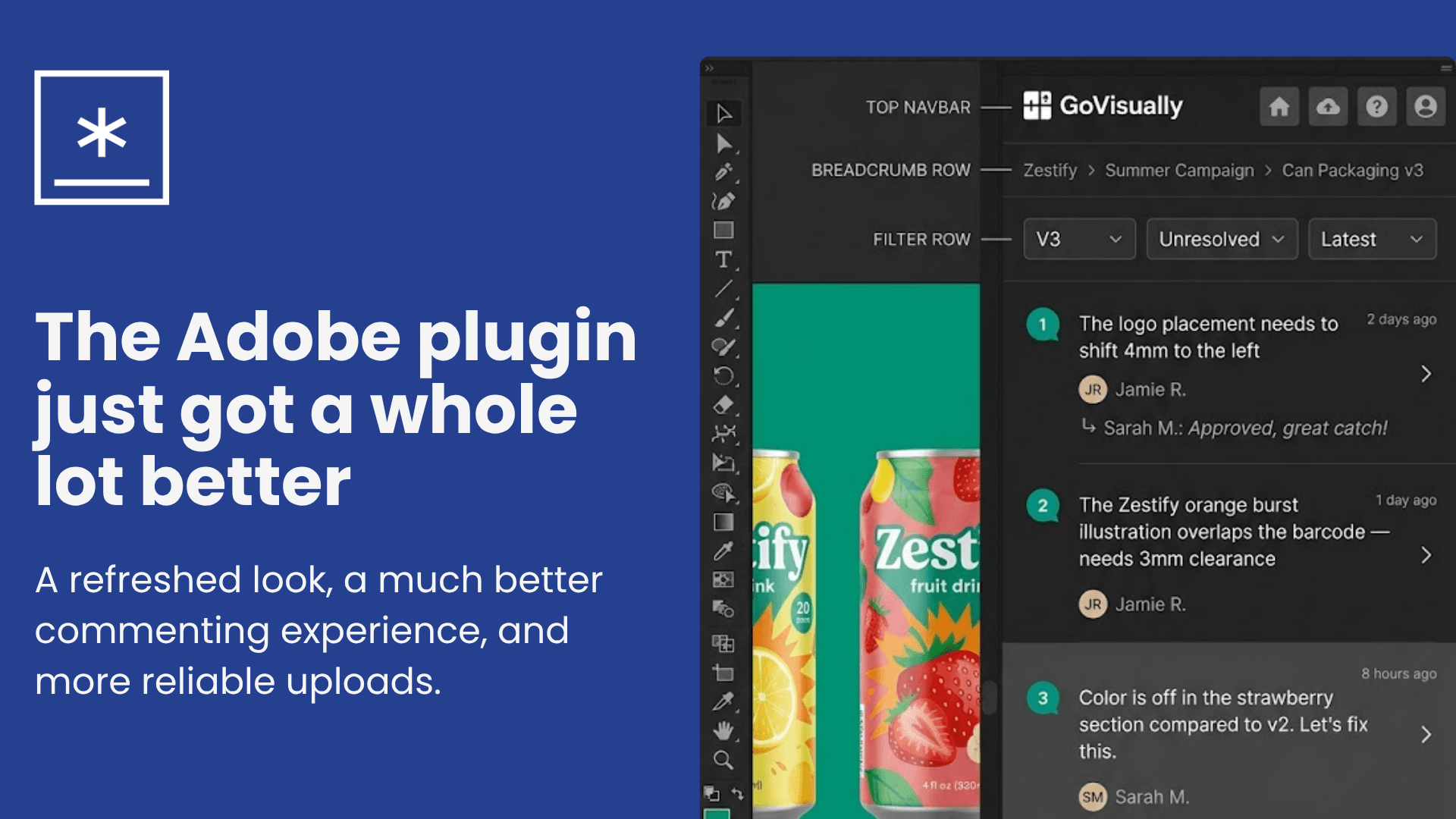
Adobe plugin just got a whole lot better
What's new in the refreshed GoVisually plugin for Adobe
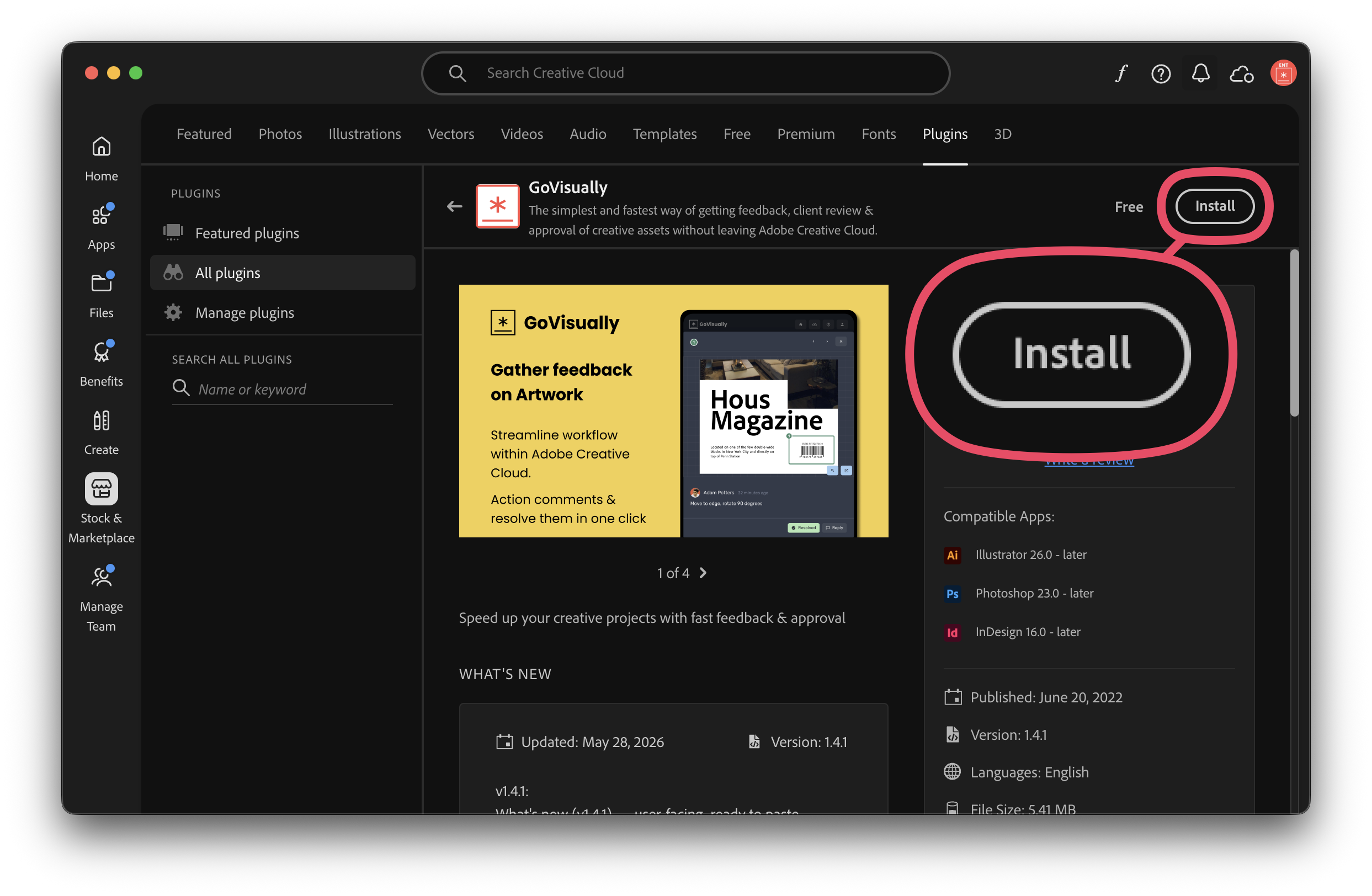
Install: https://govisually.com/adobe-plugins/
A big update — a refreshed look, a much better commenting experience, approval status at a glance, and more reliable uploads.
Here it is, emoji-free and ready to paste:
A big update — a refreshed look, a much better commenting experience, approval status at a glance, and more reliable uploads.
A richer way to comment
Reply right inside the panel with full formatting: bold, italic, underline, strikethrough, and bullet or numbered lists. Mention a teammate with @ to loop them in, and send with ⌘/Ctrl + Enter.
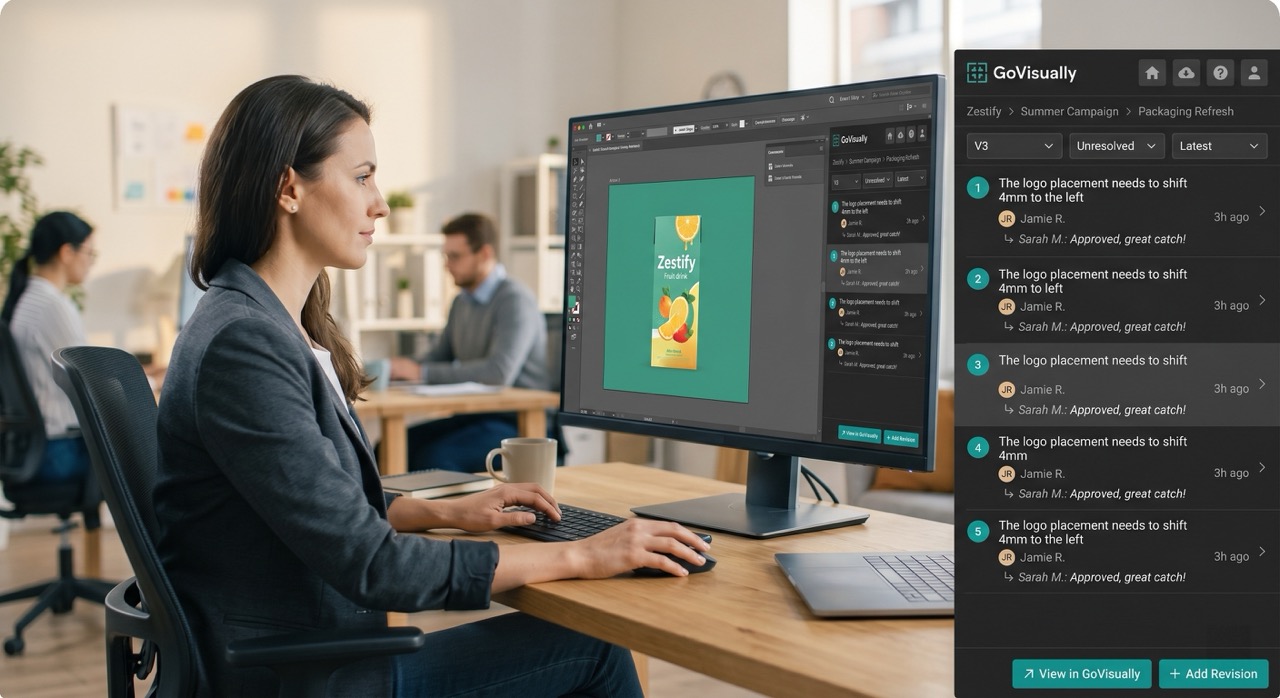
Full comment threads, right in the panel
Click any comment to open its thread: the proof, the whole conversation, and the reply box all in one view. Move between comments with the next/previous arrows, and resolve them in a single click.
Approval status at a glance
Click a proof's status to see who's already reviewed it and who's still pending — no need to switch over to the web app.
Emoji reactions
React to any comment or reply with an emoji, just like you can in the GoVisually web app.
Edit and delete your own comments
Spotted a typo? Edit or delete your own comments and replies straight from the panel. A quick confirmation step keeps you from removing anything by accident.
Your favourite projects, front and centre
Projects you've starred in GoVisually now show a gold star in the panel's project list, so the ones you work on most are easy to find.
Safer Illustrator uploads
When you upload from Illustrator, the plugin now converts a copy of your file instead of the original. Your open .ai document stays untouched and your artwork is exactly as you left it.
Tidier file handling
Converted PDFs are now named after your proof, with an automatic version suffix (e.g. my-poster-v3.pdf), and saved to a temp folder — so your project directory stays clean.
A smoother sign-in
On the verification code step, you can now tap Change email to fix a typo or Resend code to get a fresh one, without starting over.
Visual polish
Buttons, spacing, and colours across the panel now match the latest GoVisually look. Each comment shows the author, a timestamp, and a preview of the most recent reply at a glance.
Bug fix
Resolved a Windows issue where opening a comment could occasionally fail to load.
Download: https://govisually.com/adobe-plugins/ or Install using Creative Cloud App (search GoVisually)