
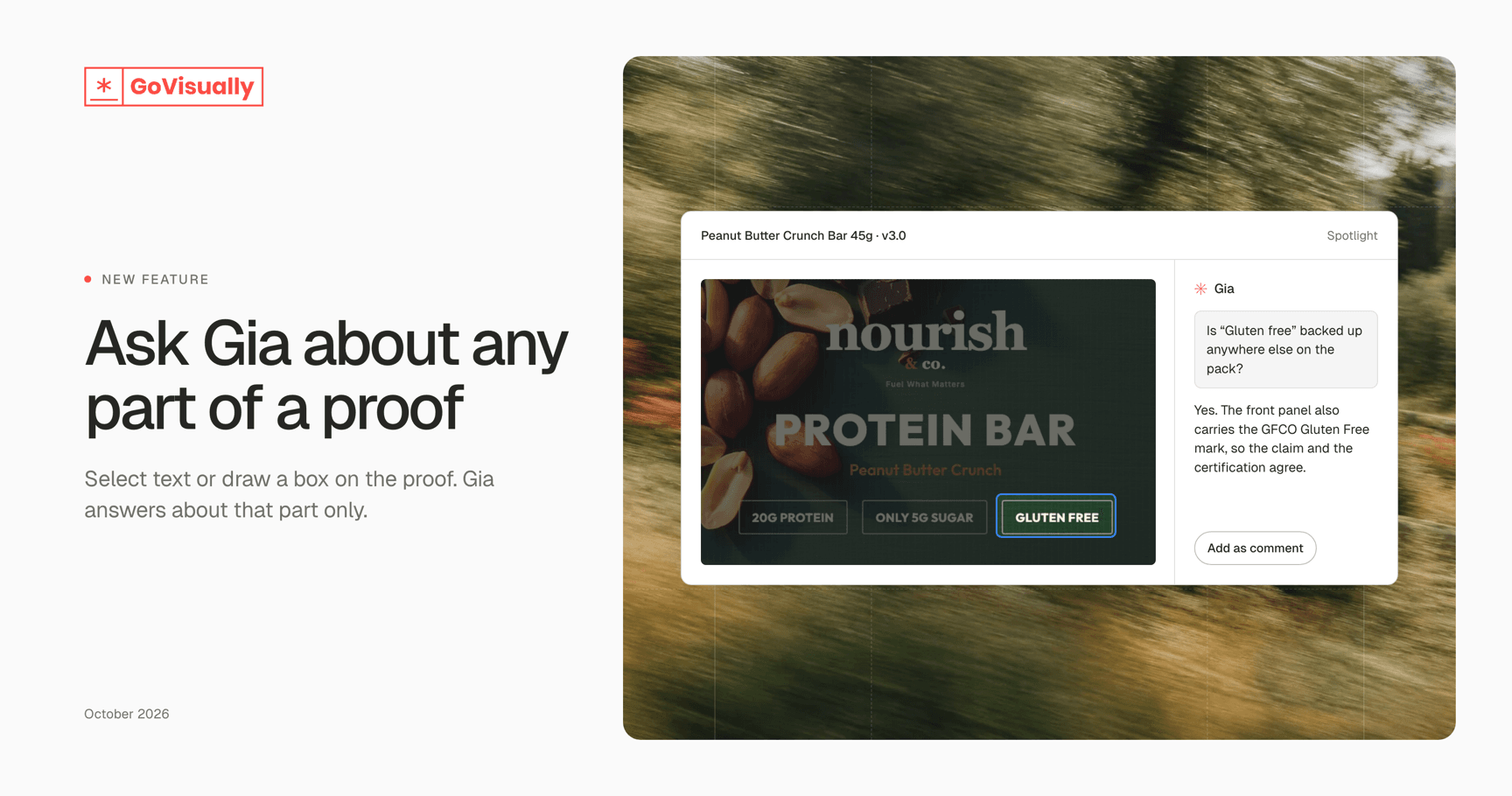
Meet Gia Spotlight
Ask Gia about exactly what you're looking at — meet Gia Spotlight
Some questions are about one line of copy. Others are about one corner of the pack. Until now, asking Gia meant describing that spot in words.
Gia Spotlight lets you point at the part of the proof you mean — and ask about just that.
What’s new
Spotlight text or an area. Open Ask Gia from the review toolbar, then select a line of text or draw a box around any region of the proof.
Everything else steps back. The rest of the proof dims, so you and Gia are looking at the same thing.
Answers stay on topic. Gia answers about your selection, with the project and proof as background.
Adjust as you go. Resize the box and Gia sees the new region straight away.
Bring in your AI agents. Type / in the chat to tag one of your team’s agents into the question.
Turn an answer into feedback. Choose Add as comment to place Gia’s reply on the exact spot you selected. Edit it, then post it like any other comment.
You stay in charge
Gia never posts on its own. A reply only becomes a comment when you choose to add it, and you can edit it first.
Comments that started in Gia are marked, so reviewers can tell them apart.
How to try it
Open any proof.
Click Ask Gia in the review toolbar.
Pick Text or Area, then make your selection.
Ask your question. Press Esc to leave Spotlight.
Gia Spotlight is available to teams with GoVisually AI. Not seeing it? Click Ask Gia and choose Request access, or contact our support team.