
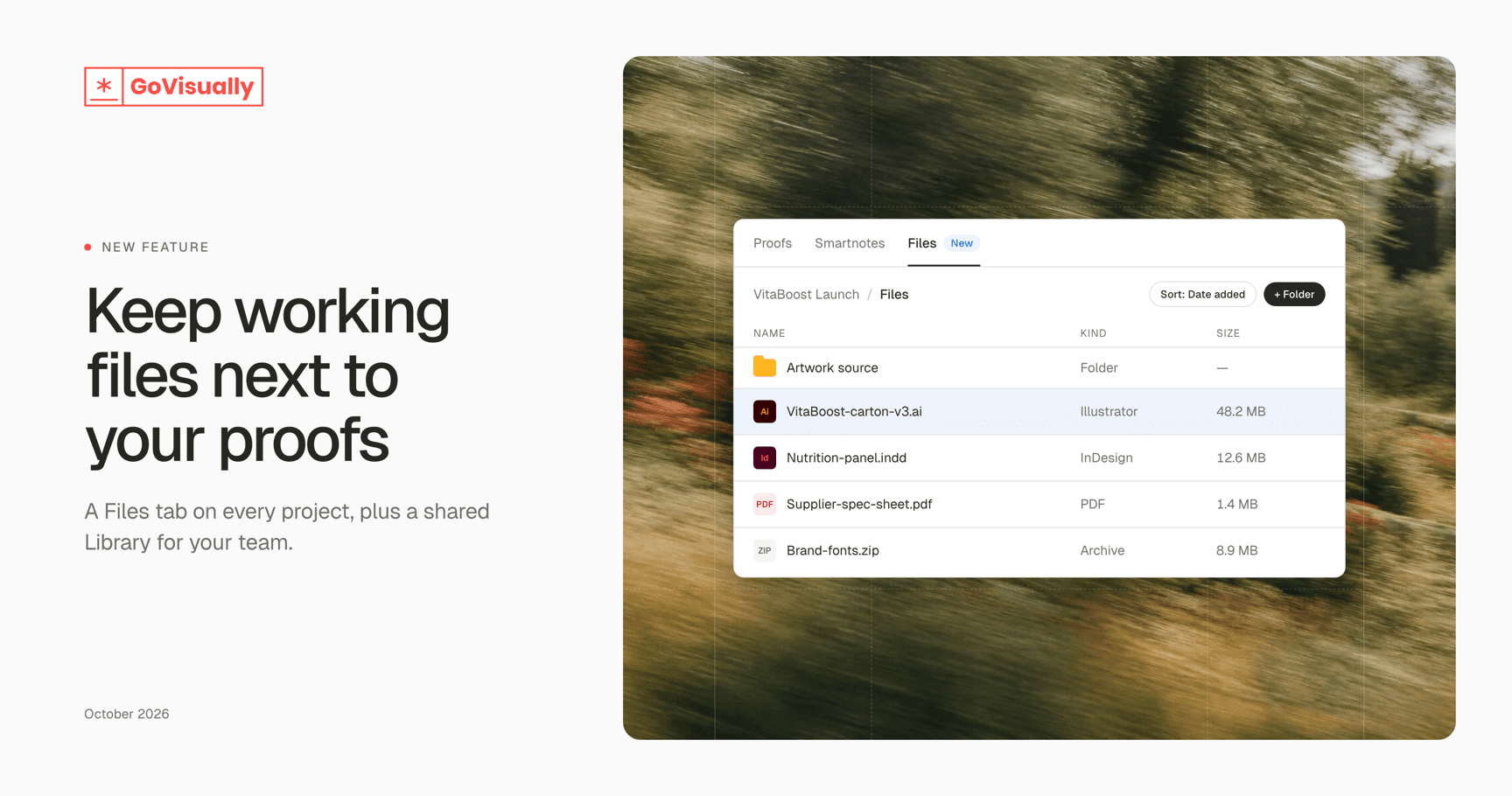
New: Files tab and team Library
Packaging projects run on more than proofs. Source artwork, fonts, spec sheets, supplier documents. They usually end up scattered across email and shared drives.
Files gives them a home inside GoVisually.
What’s new
A Files tab on every project. Keep the working files for a project right next to its proofs.
A team Library. Store files the whole team reuses — logos, templates, brand guidelines — in one shared place.
Any working file. Upload Illustrator, Photoshop, InDesign, Word, Excel, archives and more — not just files that can become a proof.
Organise your way. Create folders, then rename, move and sort files by name, kind, date added or size.
Preview with details. See a file’s size, dimensions, resolution, page count, colour profile, and who uploaded it and when.
Upload in the background. Start an upload and keep working while it finishes.
Where to find it
Project files: open a project and click the Files tab.
Team Library: team admins can find it under Team settings → Library.
Files is rolling out gradually. Contact our support team if you’d like it turned on for your team.