
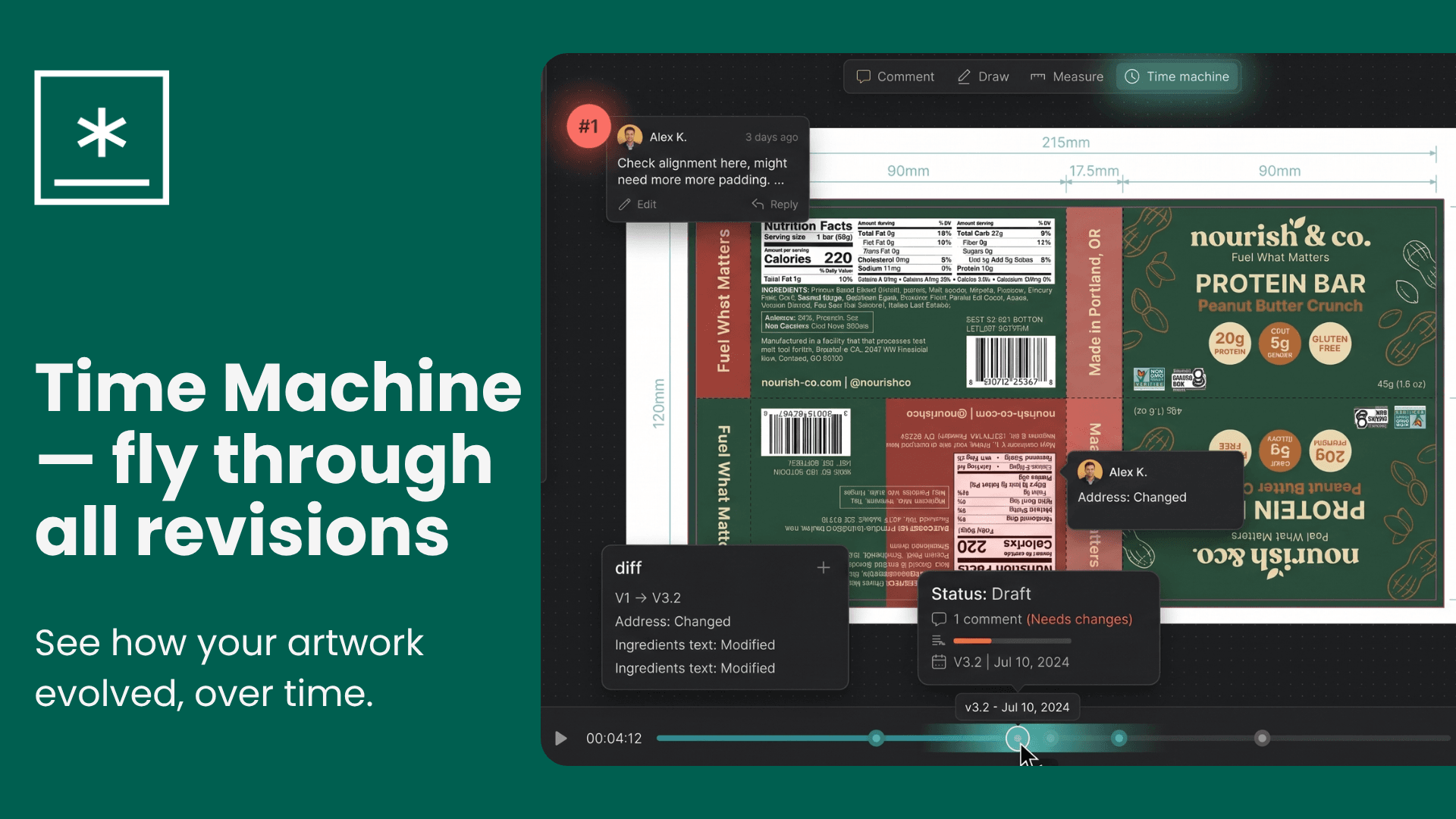
Meet Time Machine
Go back in time. See every change. Stay in control.
We're excited to introduce Time Machine — a brand-new way to explore the full history of your designs without jumping between tabs or losing your place.
Scrub through every revision, instantly
With Time Machine, all your revisions are laid on a single timeline. Just drag the slider left or right to smoothly cross-fade between versions — no clicking back and forth, no confusion about what changed.
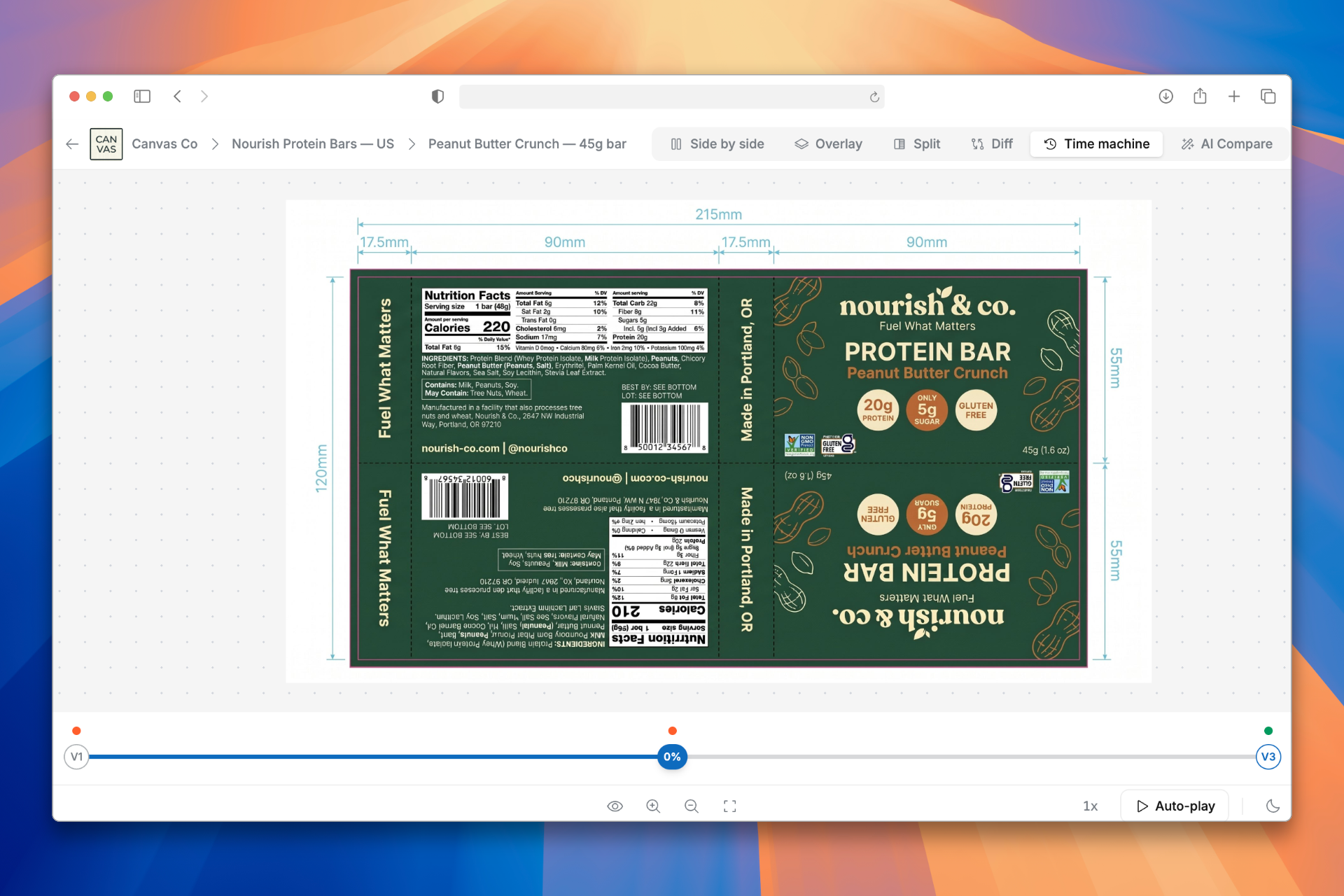
Let it play itself
Hit Auto-play and watch your design's entire journey unfold automatically. Speed it up at 1×, 2×, or 4× — perfect for a quick review or for sharing progress with your team.
Comments stay with their revisions
Every comment is pinned to the revision it belongs to. As you scrub through the timeline, you'll see exactly what feedback was left at each stage — so nothing gets lost in the history.
How to use it
- Open any proof with 3 or more revisions
- Click the ⋯ menu on the proof card
- Select Time Machine
- Drag the timeline slider — or hit Auto-play to sit back and watch
💡 Tip: You can also switch to Time Machine from the toolbar inside the Compare view using the clock icon.
Time Machine is available on Pro plans and higher. Reach out to our customer support if you don't see it.