
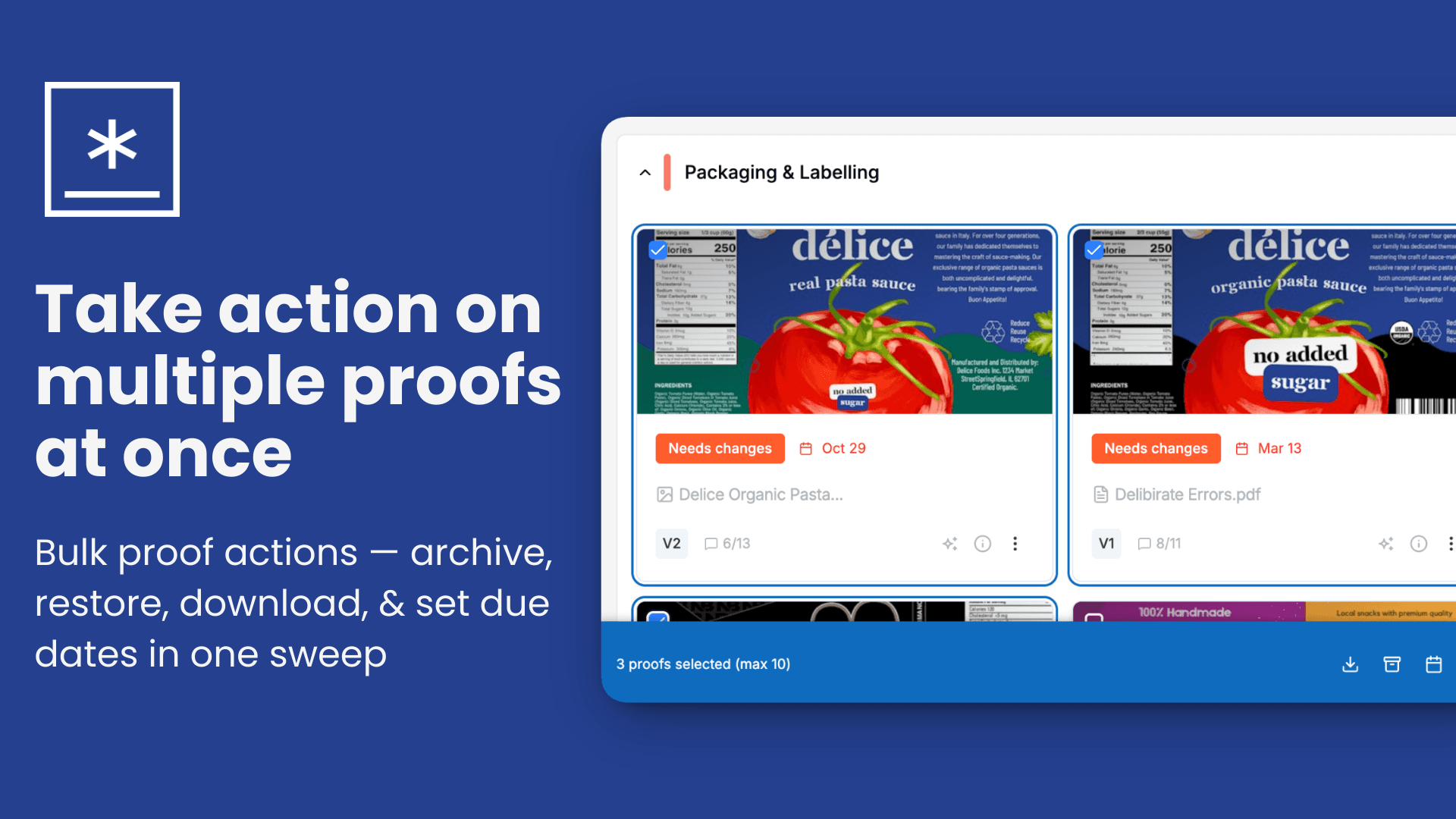
Take action on multiple proofs at once
Introducing bulk proof actions — archive, restore, download, set due dates and more in just a few clicks.
What's new
Select multiple proofs at a glance Hover over any proof to reveal a checkbox. Once you select one, checkboxes stay visible across all your proofs so it's easy to keep adding to your selection. A subtle highlight shows you exactly what's selected.
Archive in bulk Tired of archiving proofs one by one? Now you can select as many as you need and archive them all at once with a single click. A confirmation step makes sure nothing gets archived by accident.
Restore in bulk Head to your Archived tab, select the proofs you want to bring back, and restore them all in one go — no repetitive clicking required.
Download multiple proofs as a zip Select the proofs you need and download them all as a single zip file, straight to your computer. Download permissions and project settings are respected automatically.
Set or remove due dates across multiple proofs Need to align deadlines across a batch of proofs? Select them and set a due date for all of them at once. You can also remove due dates in bulk just as easily.
A sticky action bar that stays out of your way Whenever you have proofs selected, a persistent action bar appears at the bottom of your screen — always accessible no matter how far you've scrolled. It shows how many proofs are selected and gives you quick access to all bulk actions.
A few things to note
- Bulk actions are available across all project views — grid, list, and table.
- There's a maximum number of proofs you can select at a time per operation.
- Due dates cannot be changed on finalized proofs.
- Download availability depends on your project's download settings.