
New feature
GoVisually now speaks your language (Multi-Language Support)
🇺🇸 Hello! • 🇪🇸 ¡Hola! • 🇫🇷 Bonjour! • 🇰🇷 안녕하세요! • 🇹🇭 สวัสดี! • 🇧🇷 Olá! • 🇵🇹 Olá!
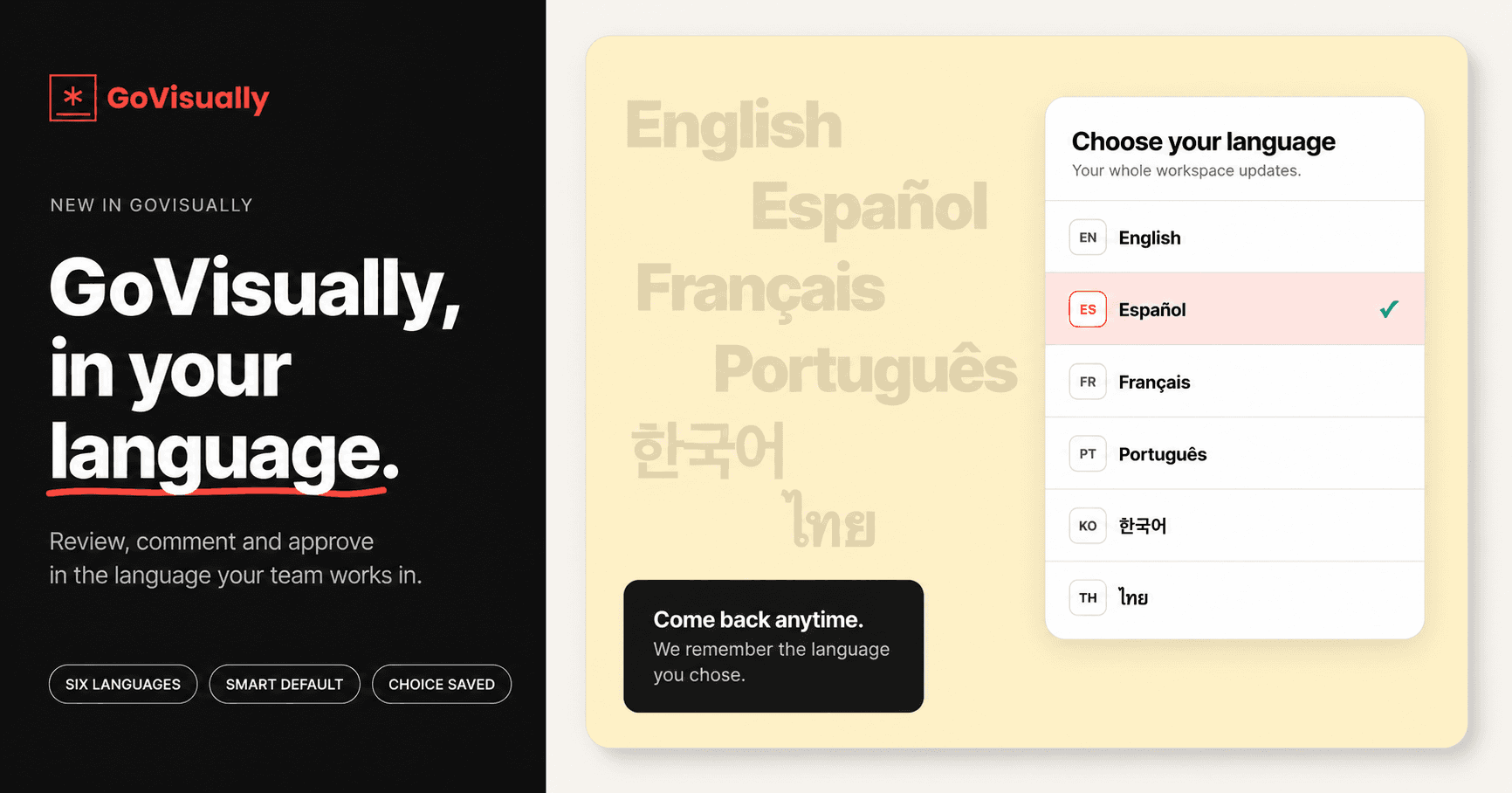
GoVisually now speaks your language! We've added full internationalization (i18n) support to the web app, letting you choose from multiple languages.
✨ What's New
- Language Switcher — A new language selector is available in the user menu, on login, and on sign-up screens. Switch languages instantly from anywhere in the app.
- Your Preference is Remembered — Your chosen language is saved via a cookie, so you won't need to re-select it every time you visit.
- Locale-Aware URLs — The app now supports locale-based routing making it easy to share or bookmark pages in a specific language.
- Proper HTML Language Tags — The page's HTML
langattribute is automatically updated, improving accessibility and screen reader compatibility.
🚀 How to Use It
- Log in to your GoVisually account.
- Click your profile/user menu (top-right corner).
- Select your preferred language from the Language Switcher.
- The app reloads in your chosen language — and remembers it for next time!
📌 Supported Languages (more coming soon)
| Flag | Language | Code |
|---|---|---|
| 🇺🇸 | English | en |
| 🇪🇸 | Spanish | es |
| 🇫🇷 | French | fr |
| 🇰🇷 | Korean | ko |
| 🇹🇭 | Thai | th |
| 🇧🇷 | Portuguese | pt |