
Improvements and fixes: October 2026
Alongside the bigger launches, here’s what else improved in GoVisually over the past few weeks.
✨ Improvements
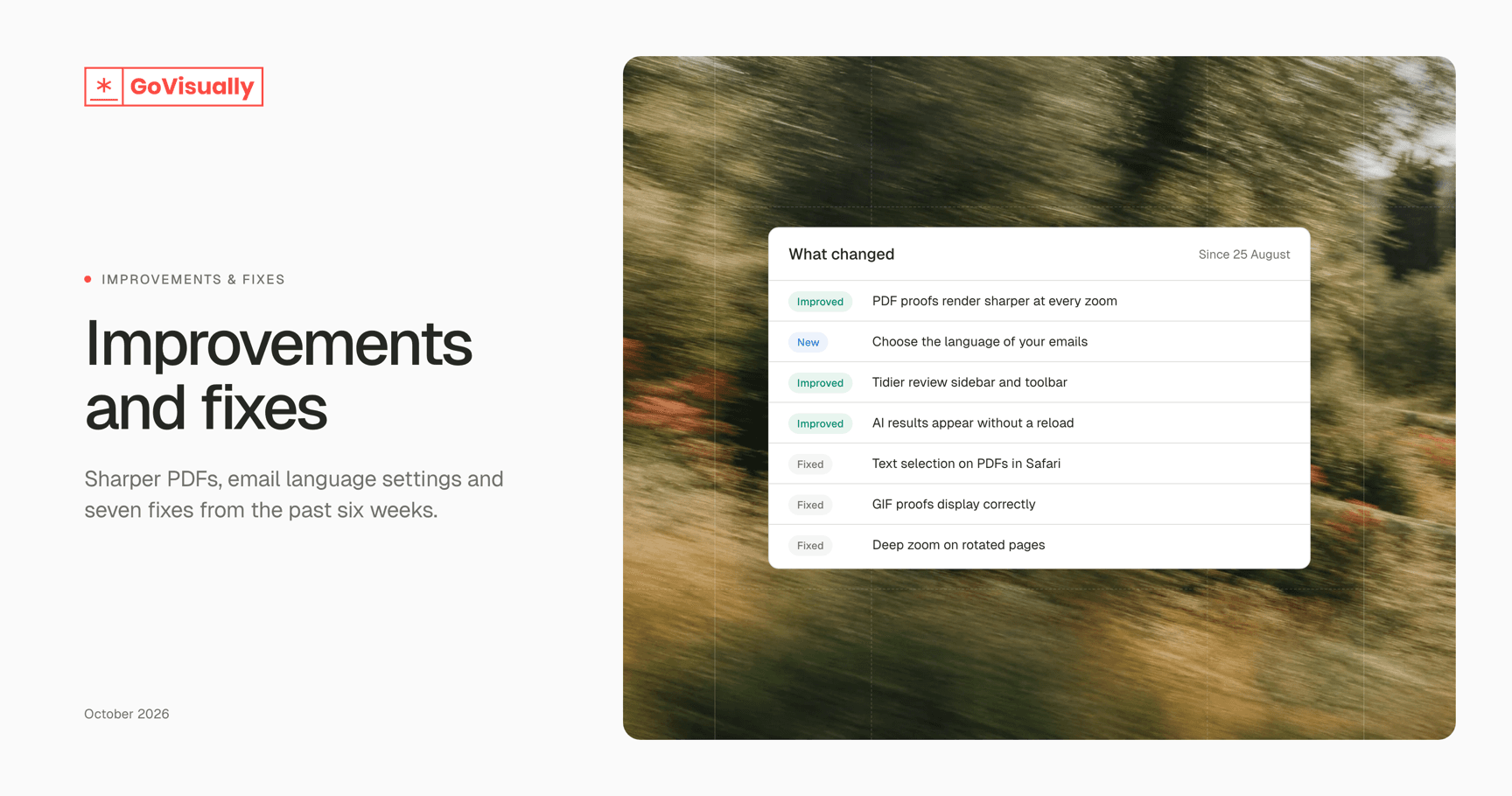
Sharper PDFs. PDF proofs now render directly in your browser, so text and fine lines stay crisp at every zoom level.
Choose your email language. Pick the language for your GoVisually emails in your notification settings. English and French are available now. Team admins can also set a default for the team.
A tidier review sidebar. Every tab now uses the same clean card layout, and the Print readiness panel is easier to scan.
AI results appear on their own. Started an AI playbook? Its results now show up in the AI tab without reloading the page.
Clearer AI findings. Placing an AI finding on the proof now zooms to frame it.
Neater review toolbar. Consistent spacing and icon sizes, and every button has a proper tooltip.
Plan limits explained. When you hit a plan limit, the message now tells you which limit it was.
🐞 Fixes
Selecting text on PDF proofs now works in Safari.
GIF proofs now display correctly.
Deep zoom now works on rotated pages.
Print readiness now shows Lab values for spot colours defined in Lab.
You can no longer share a project before it has any proofs in it.
Dragging a comment’s resize handle no longer moves the whole proof.
Checkout now shows the price you’ll actually pay, including annual trial offers.